Skip to content

Plan a release back from its day, and see what could slip.

Give a release a date and every task is counted back from it: masters and artwork, delivery to the distributor, the editorial pitches, the pre-save link, the registrations. Each task carries its last safe day, and the chain the release hangs on is drawn so you can see what could slip, and the legal side is checked before you lock it.

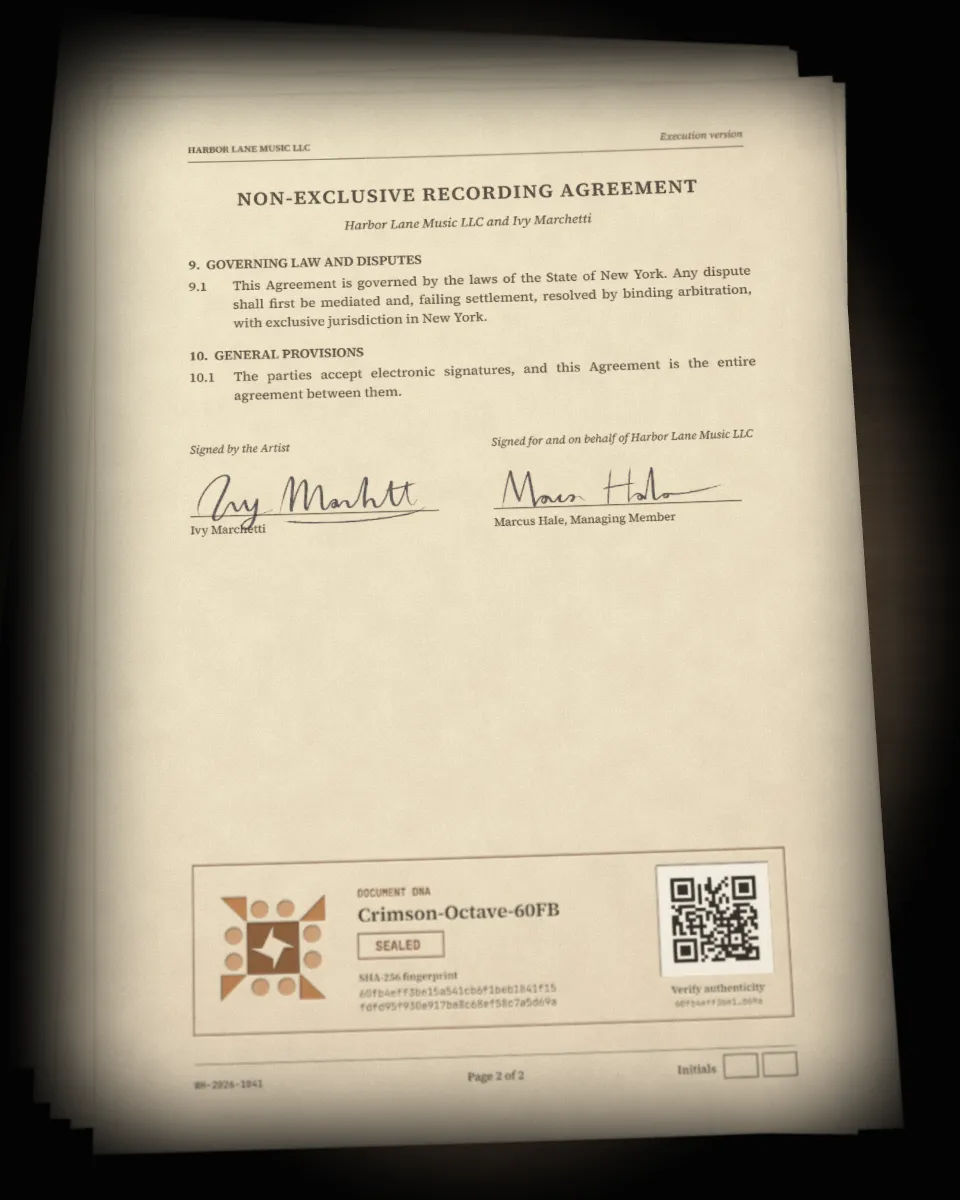
Every signed agreement, filed together on one pile.
01

A plan starts before the codes exist.

Plan a release asks only for a title, the artist, the type and the release date. No link, UPC, ISRC or registration is needed yet; they join the plan as they arrive. Add a pre-order, an exclusive on some outlets or in some countries, and say where the worldwide release goes out. The plan counts back from each window.

  • Pre-order and exclusive windows, and where it goes out
  • Tasks placed by rules, each with where the rule comes from
  • Moving the release date moves every task with it
02

The plan shows what the release hangs on.

Each release has a plan page that opens on a Timeline. The tasks that hold the release up are joined dot to dot, from the one with the least room to release day. A task's room is the days from today to its last safe day, and a task past it shows as late. Give each task an owner from your workspace, work them in the Table, move cards on the Board, or read the Memo, a critical-dates memorandum.

  • Room for every task, and the late ones marked
  • Timeline, Table, Board and Memo of the same plan
  • Reminders for the person who has to act
03

Clear to release before you lock it.

The legal side should be settled before a release goes out: a split sheet signed by everyone for every track, the master and composition shares at a hundred per cent, an agreement with every producer and featured artist, samples cleared, and the cover art licensed. The checklist shows each item and the way to fix the open ones. Locking the release asks first while anything is open. You can go ahead, and the override is recorded with who, when and what was still open.

  • Splits, agreements, samples and artwork checked together
  • A question at the lock, not a block
  • Every override recorded
04

Share the plan, agree the date, send it to the artist.

Share a plan as a letter or a PDF with only the parts you tick, and ask each person to approve the release date or propose another. For a manager, a project sheet puts every release of an artist, a band or a label on one page, as a table, a timeline and a memo. Send it to the artist as a read-only link and choose whether they may comment or suggest changes. Nothing changes on your side until you answer.

  • A letter or PDF for people with no account
  • A date everyone approves, kept on the record
  • A project sheet and an artist link, with suggestions you approve or reject

Worked example

Glasshouse, IVY M's album, comes out on Friday 24 April. Counted back from that day, the plan asks for every sample to be cleared 13 weeks out, the masters, the artwork and the split sheet 5 weeks out, delivery to the distributor 4 weeks out and the pre-save link 3 weeks out. With the artwork licence still open, Clear to release asks before the release is locked, and an override would be kept on record.

Watch this deal on the home page

Release plan

Glasshouse, IVY M

  1. XIII weeks out

    Clear every sample

  2. V weeks out

    Masters, artwork and split sheet in hand

  3. IV weeks out

    Deliver to the distributor

  4. III weeks out

    Pre-save link live

  5. 24 April

    Release day

What it does not do

  • It does not deliver your release. Delivery to the distributor is a task you tick when it is done.
  • It warns at the lock and does not stop you. An override is allowed and recorded.
  • A suggestion from an artist changes nothing until you approve it.
  • The rules are guidance with a source, not a promise about any store's schedule.

Questions

Do I need a contract or a release code to start?

No. A plan asks for a title, the artist, the type and the release date. Links, UPC, ISRC and registrations join it as they arrive, and the contracts connect when you have them.

Which plans include the Release Planner?

Every plan can plan a release. Projects, the project sheet and the board come with Artist, and links for the artist with Artist Pro.

Where do the tasks come from?

From rules counted back from release day. Each task shows the rule behind it and where that rule comes from, and moving the release date moves them all.

Can the artist change anything?

Only by suggestion, and only what the link offers: another day, another set of stores, another track order, or another day for an open task. Nothing changes until you approve it.

Start with the work in front of you.